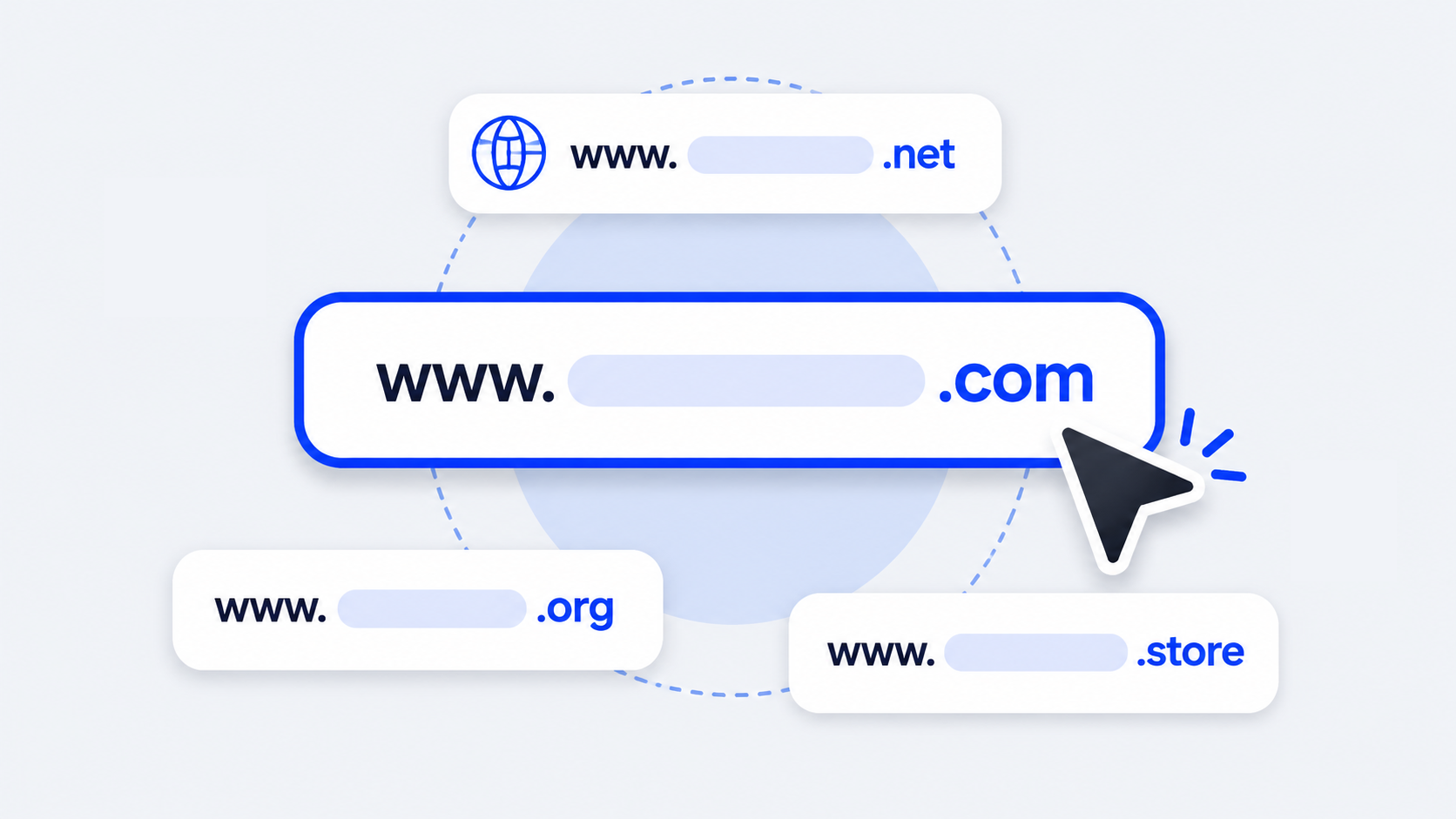


If you are getting started with your first online venture, you have likely encountered the terms domain name and web hosting used side by side. They are frequently purchased together and bundled into single packages. However, they perform entirely different and complementary roles in the internet ecosystem.
To use an everyday analogy: a domain name is the street address of your house, while web hosting is the physical lot and building structure where your furniture, rooms, and belongings reside. Below, we break down their exact definitions, examine their key technical differences, and explain how they work together seamlessly through DNS resolution.
What is a domain name?
A domain name is the unique, human-readable address visitors enter into a web browser to reach your website (such as wyrebase.com or wikipedia.org).
Every server connected to the global internet is assigned a numerical IP address (like 192.0.2.45 in IPv4 or 2001:db8::1 in IPv6). Because memorizing complex strings of numbers for every site is impractical, the Domain Name System (DNS) translates friendly brand names into machine-readable IP coordinates automatically.
A domain consists of two fundamental components:
- Second-Level Domain (SLD): The customized name representing your brand or project (in
wyrebase.com, «wyrebase» is the SLD). - Top-Level Domain (TLD or Extension): The extension suffix at the end, such as
.com,.net,.org, country codes like.uk,.ca, or modern tech extensions like.ioand.ai.
Domain names are registered through accredited domain registrars overseen by ICANN. Registration grants you exclusive operating rights to that web address for your contracted term (typically 1 to 10 years).
What is web hosting?
Web hosting is the specialized server infrastructure that stores and delivers your website's files, images, stylesheets, databases, and code to visitors worldwide 24 hours a day, 365 days a year.
When you subscribe to a hosting plan, you lease computing resources—including CPU cores, RAM, solid-state storage, and network bandwidth—on an enterprise server housed in a tier-3 or tier-4 datacenter with redundant power supplies and ultra-fast optical uplinks.
Common types of hosting include:
- Shared Hosting: Multiple websites share the hardware resources of a single server. It is the most budget-friendly option for personal projects and small businesses.
- Managed WordPress Hosting: Servers optimized specifically for WordPress with LiteSpeed Enterprise web servers, object caching (Redis), and automated security patching.
- Virtual Private Servers (VPS): A physical server partitioned via KVM virtualization into isolated environments with dedicated CPU/RAM slices and root access for developers.
- Cloud Hosting: Sites run across an interconnected cluster of cloud nodes, offering automatic failover: if one node undergoes maintenance, another handles traffic immediately with zero downtime.
Key differences between a domain and web hosting
While domains and hosting operate in tandem, their technical responsibilities are distinct. The comparison table below highlights their differences at a glance:
| Feature | Domain Name | Web Hosting |
|---|---|---|
| Definition | The unique alphanumeric address used to find a site online. | The server hardware and storage space where site files reside. |
| Primary Purpose | Enables users to locate and remember your website easily. | Executes application code, processes database queries, and serves content. |
| Technical Function | Points DNS records to the hosting server's IP address. | Runs the web server (LiteSpeed, Nginx) and transmits HTML/CSS to the browser. |
| Provider Entity | ICANN-accredited domain registrars. | Web hosting infrastructure and datacenter providers. |
| Uniqueness | Strictly globally unique. No two parties can own the exact same domain. | Shared or dedicated. Multiple websites can live on the same physical server. |
| Pricing Model | Fixed annual fee (typically $10–$20/year depending on the TLD). | Monthly or annual subscription based on hardware resources (from $2.99/mo). |
| Independence | Can exist without hosting (e.g., parked or forwarded to a social profile). | Can technically run via raw IP, but impossible to brand or rank on search engines. |
Do you really need both to launch a website?
Yes, absolutely. You need both. A live, operational website cannot function without both elements in place:
- If you have a domain without hosting: Visitors typing your URL will see a generic registrar placeholder or a DNS lookup error. Your brand name is secured, but there are no web pages to display.
- If you have hosting without a domain: Your website files exist on a live server, but users would have to type an obscure numeric IP address (e.g.
http://198.51.100.24). SSL certificates will fail to validate properly, and search engines like Google will not rank your platform.
Should you buy domain and hosting together or separately?
Both approaches are technically valid, but purchasing them together offers substantial advantages for most users:
Benefits of buying domain and hosting together (Recommended)
- Instant automatic DNS pairing: When purchased together from Wyrebase, nameservers and DNS records connect out of the box with zero manual entry required.
- Single billing dashboard: Manage domain renewals, corporate email accounts, and server resources from one unified portal.
- Cost savings: Annual hosting plans frequently include a free domain registration for the first year.
- Unified technical support: One engineering team troubleshoots both server configurations and DNS routing issues directly.
When does buying separately make sense?
Large corporations managing hundreds of global trademarks sometimes maintain centralized domain portfolios with enterprise registrars while distributing hosting across multiple regional cloud providers.
How domain and hosting work together: The step-by-step DNS journey
When someone opens a browser and types your domain name, an orchestrated sequence unfolds in milliseconds:
- User request: The visitor enters
yourdomain.comand hits Enter. - DNS lookup: The browser queries recursive DNS resolvers to find the authoritative nameservers for the domain.
- IP resolution: The authoritative nameserver responds with the hosting server's exact IP address.
- Server handshake: The browser initiates an encrypted HTTPS connection with that IP address, requesting the site's homepage files.
- Page render: The hosting server executes PHP scripts, queries the MySQL database, and delivers HTML, CSS, and images back to the visitor's device.
5 steps to get started with your domain and hosting in 2026
Launching your website takes five straightforward steps:
- Pick a strong domain name: Keep it concise, memorable, and free of hyphens. A
.comor reputable ccTLD establishes immediate trust. - Select an enterprise hosting plan: Opt for modern NVMe storage and LiteSpeed Enterprise servers to achieve top Core Web Vitals scores.
- Enable WHOIS privacy protection: Protect your personal contact details from telemarketers and spam scrapers.
- Activate free SSL security: Enforce HTTPS encryption across all pages using automated Let's Encrypt certificates.
- Deploy your website or CMS: Install WordPress with 1-click tools or deploy a headless modern frontend to begin welcoming visitors.